What to Look for in WhatsApp Business API Platforms If You Care About Team Collaboration
Two agents replying from the same WhatsApp number looks like teamwork until a customer gets two different answers. One phone, one login, and no record of who said what is how deals quietly stall. There is a more detailed rundown of Whatsapp Business API worth bookmarking.
This article covers what to check before choosing an API platform: unified inbox assignments and handoffs, roles and permissions, multi-channel consistency, bot-to-human automation, CRM and helpdesk integrations, per-seat pricing, and security controls. You will finish with a clear shortlist of criteria, and a sense of where Com.bot fits.
Why Team Collaboration Breaks Down on Standard WhatsApp
Standard WhatsApp was built for one-to-one conversations, not for teams of agents who need to share context, assign ownership, and avoid stepping on each other's replies. Its consumer architecture assumes a single device and a single user. That design works beautifully for friends and family, and it falls apart the moment a business tries to run a shared support function on top of it.
When multiple agents need to respond from the same business number, they resort to workarounds. Some teams physically pass a phone around the office. Others share login credentials so everyone can access the same account from their own device. Both approaches treat a messaging app like a shared desk drawer, with no structure to support real team collaboration.
The operational friction shows up immediately. There is no visibility into who is handling which conversation. There is no clean way to hand off a thread mid-conversation when an agent goes on break or escalates a case. And there is no audit trail, so managers cannot reconstruct what was said, by whom, or when.
Picture a ten-person customer support team receiving 500 messages a day through one WhatsApp number. Messages arrive faster than any single person can triage them. Agents open the app to find conversations already half-answered, or worse, unanswered because everyone assumed someone else had it covered. This is the chaos that a proper WhatsApp Business API platform with collaboration primitives is built to solve, and it is the lens this guide uses to evaluate platform selection.
The Shared-Number Problem and What It Costs Your Team
When five agents log into the same WhatsApp account, the platform has no concept of who replied to what, and that ambiguity compounds into real business costs. Duplicate responses are the most visible symptom. Two agents spot the same unread message, both type a reply, and the customer receives two answers that may not even agree.
The collision scenario is worse. Two agents type to the same customer simultaneously, one quoting a refund policy and the other offering a replacement. The customer sees contradictory answers from the same number and loses confidence in the business. Without collision detection or conversation ownership, there is nothing in the app to prevent this.
Missed messages follow the same pattern. An agent sees a thread, assumes a colleague is on it, and moves on. The colleague assumed the same thing. The customer waits hours for a reply that never comes. Because there is no assignment mechanism, no one is accountable for unresolved threads, and nothing surfaces them for follow-up.
The coordination overhead adds up quietly. A team of eight agents losing time each day to status checks, "did you reply to this?" messages, and manual handoffs burns agent-hours on work that adds no customer value. That is time pulled directly from resolution capacity.
Customer trust erodes in parallel. Inconsistent tone across agents, repeated questions because context lives in someone's head rather than a shared thread, and slow resolution times all signal disorganization. These costs scale with team size. A five-person team feels friction, a twenty-person team faces a structural breakdown, which is why growth makes the shared-number approach progressively less viable.
Core Collaboration Features to Evaluate in Any API Platform
Not every WhatsApp API platform treats collaboration as a first-class feature. Some bolt on a shared inbox as an afterthought, while others design routing, permissions, and handoffs into the core architecture.
When evaluating a platform for team collaboration, four pillars matter most: assignment, context-sharing, access control, and channel consistency. Together, these determine whether a team can operate at scale without chaos.
Use the three areas below as a buyer's checklist. They apply whether you choose a WhatsApp Business Solution Provider, a helpdesk with API connectivity, or a custom-built solution.
Unified Team Inbox: Assignments, Notes, and Conversation Handoffs
A unified team inbox turns a single WhatsApp number into a shared workspace where every agent sees the same queue, claims conversations, and leaves context for the next person.
Automatic assignment rules do much of the heavy lifting. Common models include round-robin distribution, skill-based routing, and load-balanced assignment. Manual reassignment should always remain available for edge cases.
Status indicators keep the queue honest. Conversations should clearly show whether they are open, pending, or resolved, so no thread slips through unnoticed.
Internal notes and @mentions let agents discuss a case without the customer seeing it. A colleague can be pulled in for a second opinion while the customer stays on the same thread.
Collision detection adds another layer of protection. When two agents open the same conversation, the system warns them, preventing duplicate replies and conflicting information.
Handoff protocols matter when shifts change. If an agent goes offline, conversations should be automatically reassigned or queued rather than left hanging.
Consider a concrete example. A customer asks about a refund. Agent A adds an internal note with order details, assigns the thread to Agent B in the billing team, and the customer never has to repeat themselves.
These features reduce average handle time and eliminate duplicate work. They also create a written record of who handled what, which helps supervisors spot bottlenecks.
- Automatic assignment: round-robin, skill-based, or load-balanced rules
- Manual reassignment: move threads between agents or teams
- Status tracking: open, pending, and resolved states
- Internal notes and @mentions: private discussion on a live thread
- Collision detection: alerts when two agents view the same conversation
- Offline handoffs: automatic reassignment or queuing when an agent logs out
When comparing platforms, ask how each of these mechanics works in practice. A shared team inbox is only useful if it matches how your agents actually work.
Roles, Permissions, and Multi-Agent Access Without Account Sharing
Sharing a single WhatsApp login across a team is a security and compliance nightmare. Role-based access control ensures each agent sees only what their job requires.
Without individual accounts, there is no audit trail. You cannot tell who sent a message, who deleted a record, or who exported customer data. Revoking access when someone leaves becomes a scramble.
A tiered permission model solves most of this. Most platforms offer at least four levels:
- Admin: manages billing, integrations, and platform settings
- Supervisor: reassigns conversations, views analytics, and approves exceptions
- Agent: handles conversations but cannot export data or change settings
- Read-only: views conversations for training or auditing without replying
Granular permissions go further. Decide who can delete messages, who can access payment links, and who can modify bot flows. These choices should be configurable, not fixed.
For enterprise teams, single sign-on and two-factor authentication are close to mandatory. They tie platform access to your existing identity provider and add a second layer of protection.
Picture a fintech with 50 agents across three shifts. Role-based access ensures only supervisors can issue refunds through WhatsApp payments, while agents handle routine inquiries. Every action is logged against a named user.
This structure also simplifies onboarding and offboarding. New hires get the right permissions from day one, and departing staff lose access with a single change.
Collaboration Beyond WhatsApp: Multi-Channel Consistency
Customers don't think in channels. They message on WhatsApp, then follow up on Instagram, and expect the agent to know the full history.
If these conversations live in separate tools, agents lose context and customers repeat themselves. A unified inbox consolidates WhatsApp, Facebook Messenger, Instagram DM, and web chat into one queue with a single customer profile.
Each channel has its own nuances. WhatsApp supports rich media and payments, making it strong for transactions. Instagram is more visual, suited to product discovery. A web widget works well for pre-sales questions.
An omnichannel support setup lets agents move between these contexts without switching tools. The customer profile stays consistent, so the conversation history travels with the person, not the channel.
Consider a retail example. A return starts on Instagram, where the customer shares a photo of the item. The agent continues the conversation on WhatsApp to confirm the order number and process the refund. The full thread stays visible in one place.
Multi-channel consistency reduces resolution time because agents stop asking customers to repeat details. It also improves CSAT, since the experience feels continuous rather than fragmented.
When evaluating platforms, check how customer profiles are matched across channels. Look for a shared identity layer, not just a shared screen. Ask whether channel-specific features, like WhatsApp payments, remain accessible inside the unified view.
These three pillars, assignment, access control, and channel consistency, form the backbone of team collaboration in any WhatsApp Business API platform. Together they determine whether your team scales smoothly or drowns in disconnected threads.
Automation That Supports Agents Instead of Replacing Them
The best automation doesn't try to eliminate human agents. It handles repetitive queries so agents can focus on complex, high-value conversations.
Bots are well suited to FAQs, order status checks, and appointment booking. When a query needs nuance or empathy, the conversation should move to a person without friction.
The handoff moment is where many WhatsApp Business API platforms fail. A bot that cannot escalate traps customers in a loop and damages trust. The two sections below cover handover mechanics and how these tools connect to the systems your team already uses.
Bot-to-Human Handover and Workflow Triggers
A bot that can't gracefully hand off to a human is worse than no bot at all. The handover must be instant, context-rich, and triggered by clear rules.
Good platform selection starts with understanding which events should move a conversation to an agent. Most teams configure a mix of the following:
- Sentiment analysis flags a frustrated or angry customer based on tone and language.
- Keyword detection catches phrases like "speak to a human" or "agent."
- Failed intent recognition triggers after the bot fails to understand two attempts in a row.
- Business rules escalate based on order value, account tier, or VIP status.
During handover, the bot should summarize the conversation, tag the issue, and route it to the right agent or team. This is where conversation routing and agent assignment settings matter most.
Workflow triggers extend beyond the chat itself. A handover can create a ticket in your helpdesk, send an internal alert to a supervisor, or update a CRM record automatically.
Consider a customer asking about a delayed order. The bot pulls tracking information, sees the shipment is stuck, and escalates to a human agent with the order details pre-loaded. The agent opens the thread already knowing the problem.
Full context preservation is non-negotiable. If a customer has to repeat their issue after being transferred, the automation has failed its core purpose.
Integrations With Your Existing CRM and Helpdesk Tools
If your WhatsApp conversations don't flow into your CRM or helpdesk, agents are forced to toggle between tools. Data gets lost in the gap.
Native integrations solve this. When a WhatsApp thread syncs with Zendesk, Salesforce, HubSpot, Freshdesk, or Intercom, agents see the customer's full history, open tickets, and lifetime value without leaving the inbox.
Common integration patterns to look for during platform selection include:
- Creating a ticket directly from a WhatsApp conversation thread.
- Updating a CRM record with conversation transcripts and outcome tags.
- Triggering follow-up sequences based on conversation status or resolution.
There is an important distinction between native integrations and API-based connections. Native integrations are built and maintained by the platform, so they tend to work out of the box. API-based connections require custom development and ongoing maintenance.
For example, an e-commerce brand using a Zendesk integration can have every WhatsApp order inquiry automatically create a ticket with the customer's order number and chat history attached. The agent never leaves the helpdesk.
Be cautious with platforms that require expensive middleware or custom development for basic CRM sync. That overhead slows down your team and adds cost that rarely shows up in initial pricing comparisons. A strong omnichannel support setup should connect your messaging platform to your existing tools without heavy lifting.
Pricing and Scalability: What Team Growth Actually Costs
Most WhatsApp API platforms advertise a low base price, but the real cost emerges when you add agents, channels, and automation, and those fees compound as your team grows. A plan that looks affordable for a five-person support team can become a serious budget line at fifty agents.
Evaluating cost means looking beyond the headline subscription. The better framework is total cost of ownership: the base plan, per-agent charges, channel add-ons, message volume tiers, and any integration or setup costs. Each layer can shift the math in ways that only become clear at scale.
This matters for team collaboration specifically. Features like a shared team inbox, agent assignment, role-based access, and conversation routing are often tied to higher plan tiers or per-seat pricing. If those capabilities sit behind a premium tier, your collaboration costs scale directly with headcount.
A platform priced for five agents may be prohibitively expensive at fifty if the per-seat fee is high. Others bundle unlimited agents but charge by message volume, which shifts the risk to your busiest months. Neither model is inherently better, but you need to know which one matches your growth pattern before you commit.
Watch for costs that do not appear on the pricing page. Setup fees, onboarding charges, premium support tiers, and overage fees for messages beyond the plan limit can add up quickly. The sections below break down per-seat fees and add-ons so you can compare platforms on equal footing.
Per-Seat Fees, Add-Ons, and Hidden Costs to Compare
When comparing platforms, ask three questions: what does each additional agent cost, what is included versus add-on, and what happens when you exceed your message quota? The answers reveal whether a plan scales gracefully or punishes growth.
Per-seat fees are the first variable. Some platforms charge a monthly fee per agent, while others bundle unlimited agents and price by message volume instead. A per-seat model gives you predictable costs at small scale but grows linearly with headcount. A volume-based model stays flat as you hire but becomes volatile during peak seasons.
Add-ons are the second variable. Extra channels such as Instagram or Facebook, additional automation actions, and premium integrations often carry separate monthly fees. If your team needs omnichannel support, those add-ons belong in your comparison from day one, not as an afterthought.
Hidden costs are the third. These include overage charges for messages beyond the plan limit, one-time setup fees, annual contract requirements, and premium support tiers. Each one can quietly inflate your effective monthly spend.
Consider a concrete example. A 20-agent team on a platform with a $20 per-seat fee pays $400 per month just for seats. Add $50 for an extra channel, plus overage fees during peak season, and the real figure climbs well past the advertised rate. Contrast that with a flat-rate plan offering generous agent limits, where the same team pays a fixed amount regardless of headcount.
To test scalability, model your costs at 2x and 5x your current team size. If the numbers stay reasonable, the platform can grow with you. If they spike, you are looking at a plan that works today but not next year.
- Per-seat cost: what each additional agent adds to the monthly bill
- Included vs add-on: which collaboration tools sit in the base plan
- Message quota: the limit and the overage rate beyond it
- Setup and onboarding: one-time fees that inflate year-one cost
- Contract terms: annual commitments and premium support pricing
Security, Compliance, and Reliability for Shared Workflows
When multiple agents access the same customer conversations, security and compliance requirements multiply. You need encryption, audit logs, and guaranteed uptime.
A shared team inbox changes the threat model. Instead of one person handling one thread, many agents can view, reply, export, and reassign the same conversation. Each of those actions becomes a potential point of failure if the platform does not control it.
Three pillars matter most during platform selection: encryption in transit and at rest, access controls with role-based permissions and audit trails, and reliability backed by uptime SLAs and disaster recovery plans.
Compliance adds another layer. GDPR governs how European customer data is stored and processed. HIPAA applies when healthcare conversations flow through the messaging platform. Data residency rules may require conversations to stay within a specific country or region.
Encryption, Data Access Controls, and Uptime Expectations
End-to-end encryption protects messages in transit, but you also need encryption at rest, granular access logs, and a documented uptime SLA to trust a platform with customer data.
In transit, look for TLS to protect messages moving between Meta, the WhatsApp Business Solution Provider, and your agents. At rest, AES-256 encryption should cover stored conversations, media files, and exported data. Ask the API provider to confirm both in writing.
Access controls determine who sees what. Every action, viewing, replying, exporting, or deleting a conversation, should be logged with a timestamp and user ID. Role-based access lets you limit sensitive threads to specific agents or supervisors. Without permissions management, a single compromised credential can expose your entire conversation history.
Uptime expectations deserve equal scrutiny. A 99.9% uptime SLA is a reasonable baseline for a business messaging platform. Check whether the vendor publishes a public status page and whether the SLA includes financial remedies for downtime.
Disaster recovery matters just as much. Ask for defined RTO and RPO figures. RTO is how quickly service returns after an outage. RPO is how much data you can afford to lose. Both should be documented, not verbal.
Compliance looks different across industries. A healthcare provider sending appointment reminders over WhatsApp must verify HIPAA-compliant encryption and access controls before going live. A retailer handling EU customers needs GDPR-compliant data processing and clear retention policies.
Before signing with any BSP, request three documents:
- A security whitepaper outlining encryption methods and infrastructure
- A SOC 2 report confirming independent security audits
- A data processing agreement covering GDPR obligations and data residency
These requests are standard. A vendor that hesitates or deflects is a warning sign. Reliable providers expect due diligence and answer it directly. Security reviews tend to catch more problems before launch than after, when remediation is far more costly.
Where Com.bot Fits for Collaboration-Focused Teams
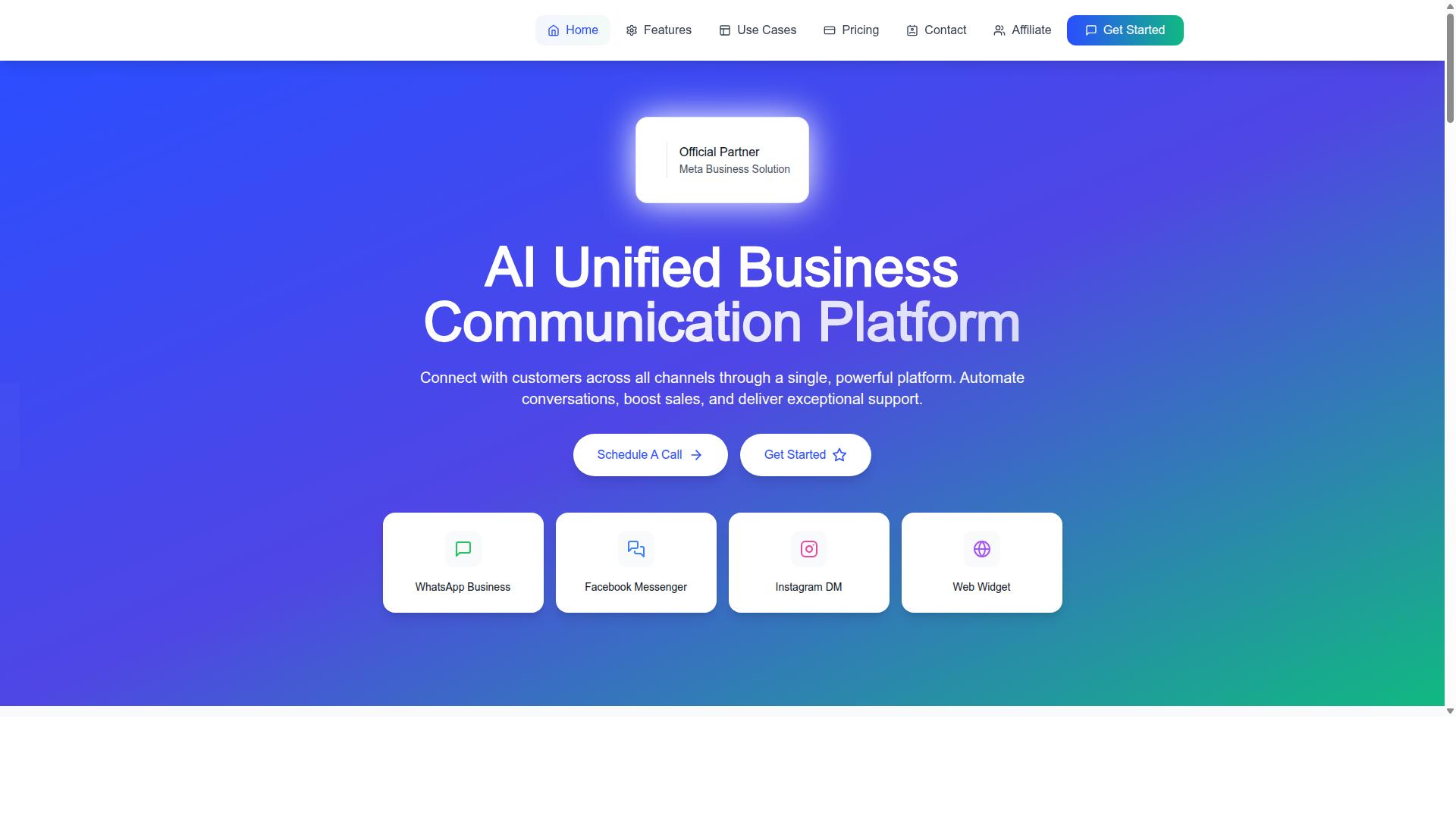
Com.bot is an AI Unified Business Communication Platform that connects WhatsApp Business, Facebook Messenger, Instagram DM, and Web Widget through a single platform, and it's built for teams that collaborate.
The evaluation framework above rests on three pillars: a unified inbox, automation that supports agents, and pricing you can see clearly. Com.bot addresses each of them in one product rather than through separate tools.
As an Official Meta Business Partner with 23,000+ active customers and 25M+ messages processed daily, Com.bot signals reliability at the scale growing teams need. The snapshot below covers its features and plans.
Unified Inbox, Automation, and Pricing at a Glance
Com.bot combines a unified team inbox, a drag-and-drop visual bot builder, and native payments for WhatsApp, with plans starting at $149 per quarter.
The inbox brings WhatsApp, Facebook, and Instagram conversations into one place, so agents work from a shared team inbox instead of switching apps. Multi-agent access with role-based permissions supports conversation ownership and cleaner handoffs across shifts.
On the automation side, the visual bot builder lets teams map flows without writing code, while native payments handle WhatsApp transactions directly. Integrations with CRM and helpdesk tools keep customer context connected to the wider support stack.
| Plan | Price |
|---|---|
| Silver | $149 per quarter |
| Gold (recommended) | $349 per quarter |
| Platinum V1 | $2500 per quarter |
Add-ons cost $10 per month for additional team members, social channels, and external actions. Com.bot serves 50+ countries and offers enterprise security with end-to-end encryption.
For a closer look, visit the website or contact sales for a demo. Head Office: 501, Trinity Orion, Vesu Main Road, Surat - 395010, IN. Phone/WhatsApp: +91 080 6987 1810. Email: sales@com.bot. Business hours: Monday to Friday, 9:00 AM to 6:00 PM IST, with WhatsApp support available.